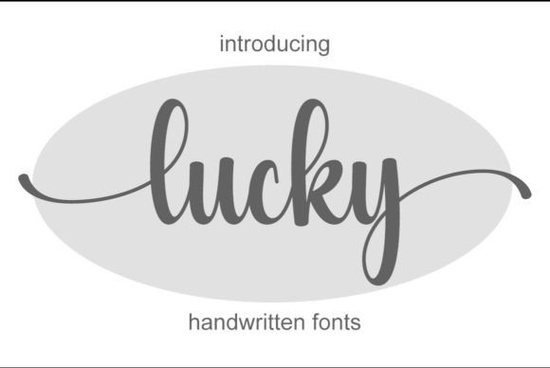
Finding the right typography for a delicate project often means sifting through hundreds of overly decorative options that are hard to read. When you need something that feels personal but still looks professional, the Lucky Font offers a very clean, elegant solution. It is a handwritten typeface designed to mimic natural, careful penmanship without sacrificing legibility. Whether you are designing a logo for a small boutique, creating custom wedding stationery, or cutting vinyl decals for your latest crafting hobby, this style provides a soft, approachable aesthetic that works across many mediums.
What makes a handwritten typeface work for branding?
For small businesses and print-on-demand sellers, typography sets the immediate tone of the brand. A script that is too messy can confuse customers, while one that is too rigid feels corporate and cold. This typeface strikes a careful balance by offering smooth curves and consistent stroke widths. It works exceptionally well for boutique branding, cosmetic labels, artisan product packaging, and custom tote bags. The delicate nature of the letters ensures that your text remains the focal point without overwhelming the overall layout or clashing with your product photography.
How do you access special characters and alternates?
One of the most frustrating parts of using script typography is finding the right swash or alternate character to make your design look authentic. This font is PUA encoded, which is a massive time-saver for crafters and designers who do not use high-end software like Adobe Illustrator. PUA encoding means all the extra glyphs, ligatures, and stylistic alternates are mapped to standard keyboard characters.
You can easily access these variations through the Character Map on Windows or the Font Book on a Mac. This allows you to customize your text directly in basic, accessible programs like Cricut Design Space, Silhouette Studio, or Canva, giving your cut files and social media graphics a much more custom, hand-lettered appearance.
Which projects suit a delicate script style best?
Because of its refined and gentle appearance, this typeface shines in projects that require a highly personal touch. It is highly effective for wedding invitations, save-the-date cards, and elegant event signage. If you are looking for inspiration for your big day, you might also explore other romantic options like these beautiful signature styles for weddings to see what fits your specific theme.
Beyond weddings, it is a great choice for social media graphics, particularly for lifestyle, beauty, and wellness brands. The clean lines pair beautifully with minimalist photography and soft color palettes. For seasonal projects, you can easily adapt it to winter holiday campaigns, though you might want to pair it with more festive typography from this collection of holiday scripts if you need a heavier, more traditional look for your greeting cards.
How does it pair with other typography styles?
A delicate script rarely works well on its own for long blocks of text. It needs a solid supporting cast to create visual hierarchy. Pair it with a clean, geometric sans-serif or a classic serif for body copy. This contrast ensures your headings stand out while your paragraphs remain easy to read.
If you are designing for a younger audience or a more playful brand, you might find this specific style a bit too formal. In those cases, browsing through these relaxed, everyday handwriting options can give you a more laid-back, informal vibe. Alternatively, if your project involves children's products or educational materials, looking into these playful lettering styles for kids will yield much better results. And for highly vibrant, youth-oriented apparel, checking out these colorful, multi-toned scripts might be the better route.
What should you check before finalizing your design?
Before you send your file to the printer or cut your final vinyl decal, run through this quick checklist to ensure your typography looks professional:
- Test the legibility at actual size: Print a test page or view your design at 100% zoom. Delicate scripts can sometimes become too thin to read when scaled down for business cards or clothing tags.
- Check the spacing: Review the kerning between letters, especially where uppercase and lowercase characters meet. Adjust the spacing manually if any letters look awkwardly disconnected.
- Verify your licensing: Always double-check that you have the correct commercial license for your specific use case, especially if you are selling physical products featuring the font.
- Limit your usage: Use this script strictly for headings, logos, or short phrases. Switch to a simple, readable sans-serif font for any long paragraphs or detailed product descriptions.
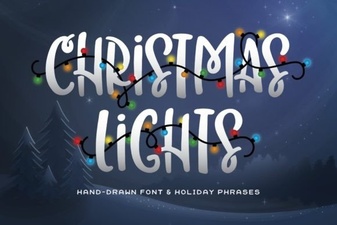 Illuminating Your Christmas Font Design Projects
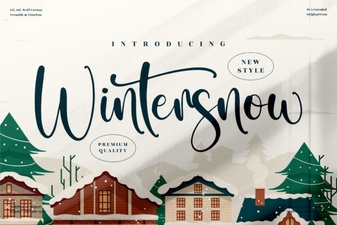 Wintersnow Font: Elegant Design for Modern Projects
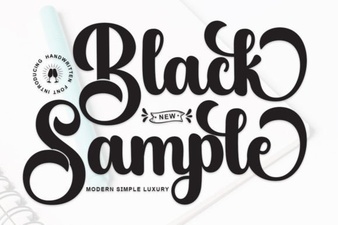 Showcase Design Ideas with a Black Sample Font
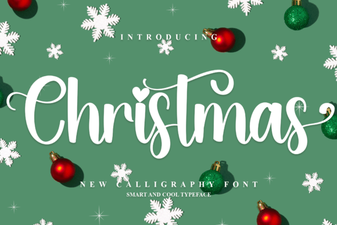 Choose a Festive Font for Your Holiday Design
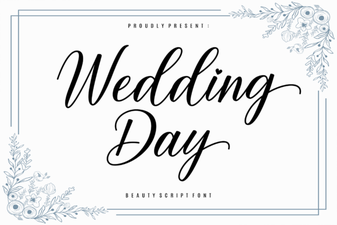 Wedding Fonts to Make Your Day Unforgettable
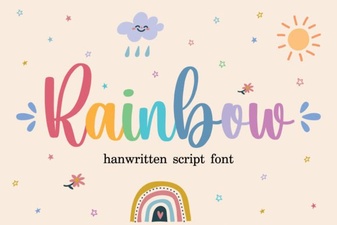 Rainbow Fonts: Adding Colorful Creativity to Design