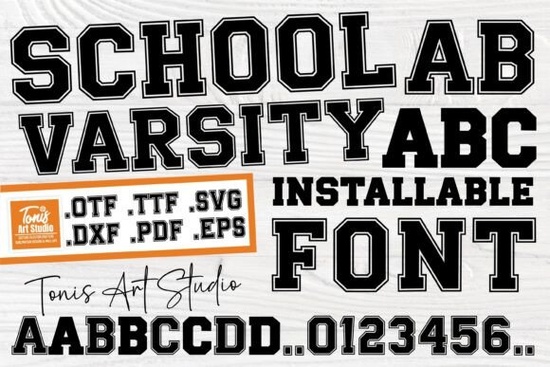
Finding the right typography for team apparel or collegiate-style merchandise can be tricky. You want something that feels authentic without looking like a generic template. The School Varsity Font solves this by offering a classic, bold lettering style that mimics traditional university athletic wear. Whether you are running an online print-on-demand shop or just making a weekend craft project for your family, having a dependable athletic typeface in your toolkit makes the design process much faster and more professional.
How do you mix outlined and solid letters effectively?
This typeface uses a clever two-tone system to give you design flexibility. When you type in uppercase, the letters appear with a thick, striking outline. This is perfect for the main focal point of a design, like a large chest graphic on a hoodie or a prominent banner on a poster. When you type in lowercase, the characters render as solid, clean shapes that are easy to read at smaller sizes.
To get the best visual results, avoid mixing cases within the exact same word. Instead, use all-caps for the primary team name or mascot, and use all-lowercase for secondary text like the graduation year or a short slogan. This keeps the layout readable and maintains the authentic athletic aesthetic without looking cluttered.
Which crafting machines handle these cut files best?
The download includes dedicated cut files, which are essential if you are working with adhesive vinyl or heat transfer materials. Both Cricut and Silhouette machines read these formats smoothly right out of the box.
Because the uppercase letters are outlined, you will need to weed both the inner and outer sections of the material. The strokes are intentionally kept thick, which prevents the vinyl from tearing during the weeding process. Working with outlined typography requires a bit more patience than solid shapes. When you weed the inner counters of letters like O, P, or R, use a sharp weeding hook to avoid stretching the material. If you are using heat transfer vinyl, remember to mirror your design in your software before sending it to the cutter.
What projects benefit most from a sporty typeface?
This lettering style is highly versatile for small businesses and hobbyists. It works exceptionally well for a variety of physical products:
- Custom team uniforms: Create matching warm-up shirts for local sports leagues, intramural teams, or corporate retreats.
- School merchandise: Design spirit wear for high school or college alumni groups and parent-teacher associations.
- Retro posters: Build vintage-style event flyers for campus activities, local diners, or community fundraisers.
- Personalized gifts: Make custom tote bags, tumblers, or keychains featuring a recipient's graduation year or favorite number.
If you are designing for a younger demographic, you might want to pair the sporty letters with something more playful, like the fun and chunky typography options used in children's apparel. For a more whimsical touch on school supplies, you could contrast the athletic look with the charming and colorful lettering styles seen in kids' stationery.
When making motivational classroom posters, mixing the varsity look with the uplifting and positive script styles creates a great visual balance. And if you are adding handwritten names to the bottom of a jersey, the natural and fluid brush scripts provide a nice personal touch. If you want to browse more collegiate display typefaces for your shop, there are plenty of complementary styles available to round out your collection.
How should you prepare your files before cutting or printing?
Before you send your design to the printer or the cutting mat, run through this quick preparation checklist to ensure a smooth production process:
- Convert text to outlines: Always convert your text to paths or shapes in your design software. This prevents missing font errors if you open the file on a different computer or send it to a commercial printer.
- Check line thickness: If you are cutting the outlined uppercase letters from adhesive vinyl, ensure the stroke width is at least one-eighth of an inch so the vinyl does not peel up after application.
- Weld overlapping letters: If your design software allows it, weld or unify the letters into a single shape. This stops the machine from cutting overlapping lines and makes weeding much easier.
- Test a small cut: Always run a test cut on a scrap piece of your chosen material to dial in the blade depth and pressure settings before committing to the final product.
Taking a few extra minutes to prep your files will save you from wasted materials and frustrating re-cuts, letting you focus on creating great products for your customers.
Learn More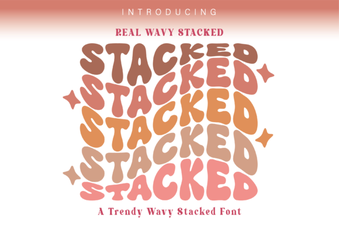 Wavy Font Styles for Creative Web Design
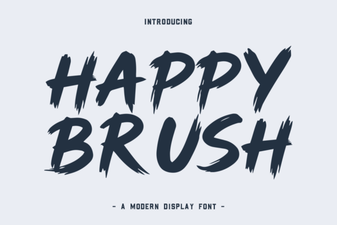 Happy Brush Font Ideas for Joyful Projects
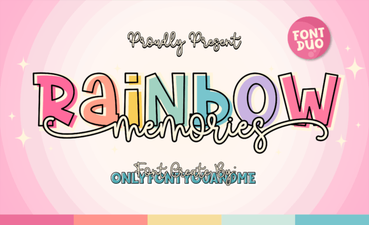 A Creative Typeface for Nostalgic Designs
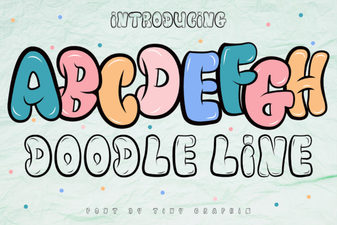 Doodle Line Font: Creative Typography for Your Projects
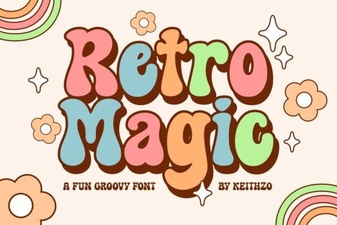 Retro Magic Fonts for Creative Design Projects
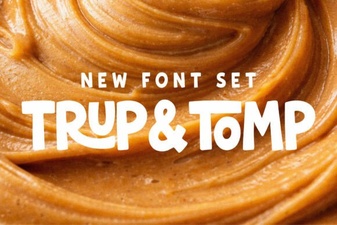 Trup & Tomp: Elegant Fonts for Modern Design