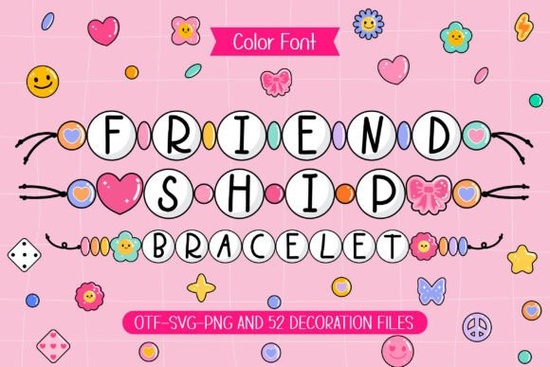
Adding a personal, handmade touch to digital designs often means looking for typography that mimics physical crafts. If you are working on a project that needs a nostalgic, youthful vibe, the Friendship Bracelet Font brings the look of woven beads directly to your screen. This typeface mimics the colorful, rounded letters found on actual woven bands, making it a highly specific choice for creators who want their digital files to feel tactile and warm. The actual Friendship Bracelet has been a staple of youth culture and crafting for decades, and translating that physical charm into a digital format requires careful attention to the rounded, bubbly shapes of each character.
Designers who frequently work with youth-oriented themes often find that mixing this style with other bright, playful typefaces helps build a cohesive, energetic brand identity. Whether you are making digital invitations or cutting vinyl for physical goods, understanding how to use this specific lettering style will save you time and improve your final results.
What makes bead-inspired typography work for craft projects?
The primary appeal of this OTF file is its distinct visual weight. Each letter is constructed to look like individual, brightly colored beads strung together. This design choice means the font performs best when used for short, impactful phrases rather than long paragraphs. When crafting, readability is just as important as aesthetics.
- Short headlines: Use it for names, dates, or short greetings like "Best Friends" or "Summer Camp."
- High contrast: Because the letters have a built-in decorative element, pair them with a very clean, simple sans-serif font for any secondary text.
- Color blocking: If your design software allows, apply different colors to alternating letters to mimic the real-life weaving patterns of physical crafts.
How can print-on-demand sellers use playful fonts on apparel?
For small businesses and print-on-demand sellers, standing out in a crowded market means offering designs that trigger positive emotional responses. Nostalgia is a highly effective tool for apparel. T-shirts, canvas tote bags, and trucker hats featuring bead-style lettering appeal heavily to millennials and Gen Z buyers looking for Y2K-inspired or retro summer aesthetics.
When setting up your files for direct-to-garment (DTG) printing or sublimation, make sure to outline your text before exporting. This prevents any missing font errors at the printing facility. The bubbly nature of the letters also holds ink well, meaning the edges will remain crisp even on textured fabrics like canvas or heavy cotton.
Which DIY and scrapbooking projects benefit from matching doodle cliparts?
Beyond just the alphabet, this package includes matching doodle cliparts. For hobbyists and scrapbookers, these extra elements are incredibly useful for filling negative space or creating custom borders. If you are using a Cricut or Silhouette cutting machine, these doodles can be cut from adhesive vinyl to decorate water bottles, laptop lids, or journal covers.
For paper crafting, the doodles work beautifully as layered elements. You can print them on patterned cardstock, cut them out, and use foam adhesive to give your scrapbook pages a 3D effect. They are also ideal for making personalized greeting cards for birthdays, graduations, or "thinking of you" notes where a warm, informal tone is required.
How do you set up this font correctly in design software?
Getting the most out of decorative typography requires a proper technical setup. Before you start designing, take a few minutes to ensure your workspace is configured to handle specialized craft files.
- Install the OTF file: Open your system settings and install the OpenType file. Restart your design software (like Illustrator, Canva, or Photoshop) so it recognizes the new typeface.
- Adjust letter spacing: Bead fonts often have wide default kerning. Manually tighten the tracking slightly so the "beads" look like they are touching, just like they would on a real string.
- Organize your cliparts: Create a dedicated folder in your asset library for the included doodles. Tag them with keywords like "summer," "craft," and "youth" so you can find them quickly during future projects.
- Test your cuts: If you are using a vinyl cutter, do a test cut on a scrap piece of material. Intricate doodles might require a slower blade speed to ensure clean weeding.
By taking the time to format your text and organize your assets properly, you ensure that every t-shirt, scrapbook page, or digital card you create looks professional and intentional. Keep your phrases short, lean into bright color palettes, and let the nostalgic charm of the lettering do the heavy lifting for your design.
Try It Free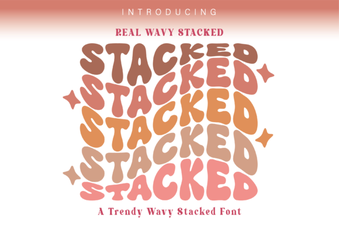 Wavy Font Styles for Creative Web Design
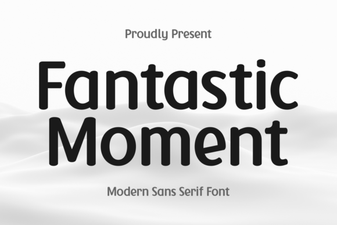 Fantastic Moment Font: Creative Design Styles & Ideas
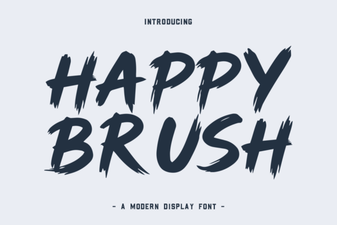 Happy Brush Font Ideas for Joyful Projects
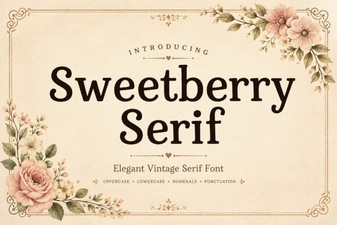 Sweetberry Serif Font: Elegant Design Projects & Tips
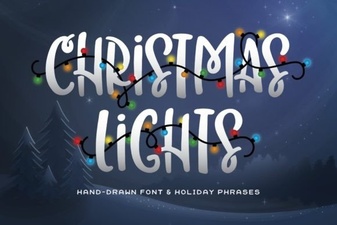 Illuminating Your Christmas Font Design Projects
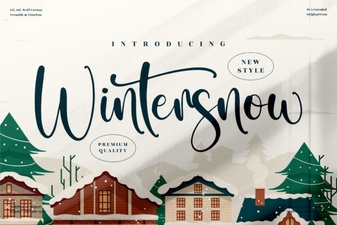 Wintersnow Font: Elegant Design for Modern Projects