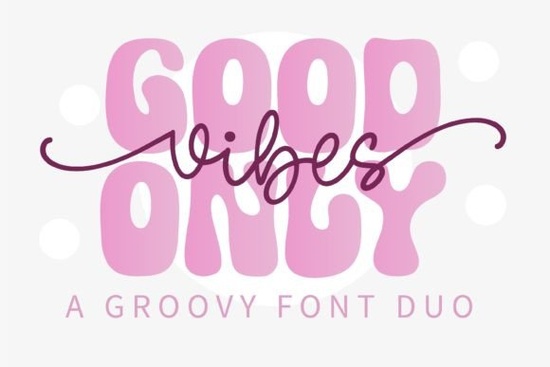
Finding the right typography for a vintage or bohemian project can take a lot of trial and error. If you are working on a t-shirt design, a wedding invitation, or a retro poster, the Good Vibes Only Duo Font offers a practical solution. This package pairs a bold display typeface with a smooth monoline script, giving you two distinct styles that work perfectly together. It is especially useful for crafters and print-on-demand sellers who need a groovy, seventies-inspired look without spending hours matching different typefaces.
How do you pair a display and script typeface effectively?
When you download a duo package, you get a built-in pairing that saves time. The bold display version works best for short, punchy headlines or main brand names. You can use the monoline script for subheadings, taglines, or smaller details. If you want to explore other unique display options for your main titles, you might also look at some wavy stacked styles to see how curved letterforms change the mood of a layout. Mixing a rigid display face with a flowing script creates a nice visual contrast, which keeps the reader's eye moving across your design.
What projects work best with a retro hippie style?
The seventies aesthetic is highly popular in apparel and home decor. This specific typeface shines on canvas tote bags, enamel pins, and graphic tees. Small business owners creating packaging for artisanal goods, like handmade soaps or organic coffee, will find the groovy letterforms add a nice organic feel. For those who prefer a more hand-drawn aesthetic in their bohemian projects, incorporating a sketchy line typeface alongside your main text can add a playful, informal touch to the overall layout. The key is to let the thick display letters anchor the design while the script adds movement.
Can you use this for monograms and logos?
Yes, but with a few adjustments. The display version is thick and legible, making it a solid choice for a primary logo mark. However, if you are designing a traditional wedding monogram or an elegant initials badge, you might want to check out a dedicated monogram typeface that includes interlocking letter structures. For a more casual, retro brand identity, you can stack the display letters and wrap the script around the bottom curve to create a custom badge logo. This approach works incredibly well for food trucks, boutique shops, and craft breweries.
How does this compare to other vintage typefaces?
Many vintage typefaces suffer from poor spacing or lack lowercase characters in their script versions. This duo includes a fully functional monoline script with proper kerning and linking, which is essential for typing out longer phrases. Understanding the history of retro typography can help you understand why these specific letter shapes evoke a nostalgic feeling. If you need something with a heavier, more blocky presence for a concert poster, a bold blocky typeface might serve your layout better. But for approachable, friendly branding, this duo remains a highly versatile choice.
What software do you need to install and use it?
You do not need expensive software to use these files. The download typically includes OTF and TTF formats, which install directly into your computer's operating system. Once installed, they work in Cricut Design Space, Silhouette Studio, Canva, Adobe Illustrator, and even basic word processors. If you are designing a scrapbooking kit or a digital planner and want a softer, more nostalgic vibe for your headers, you could also pair it with a memory-themed display style to complete the vintage aesthetic. Just make sure to adjust the tracking slightly when using it in cutting software to ensure clean weeding.
What should you check before finalizing your design?
Before you send your file to the printer or cut your vinyl, run through a quick review to ensure your typography looks professional.
- Check the kerning: Look closely at where the script letters connect. Adjust the spacing manually if any links look too tight or disconnected.
- Test the contrast: Ensure the thick display text and the thinner script text are balanced. The script should not overpower the main headline.
- Verify the cut lines: If you are using a Cricut or Silhouette machine, weld your script words together into a single shape so the machine cuts one continuous piece.
- Proofread your text: Retro typefaces can sometimes make spelling errors harder to spot. Double-check all words before finalizing.
Taking these few extra minutes will save you from wasting materials and ensure your final product looks polished and ready for sale.
Explore Design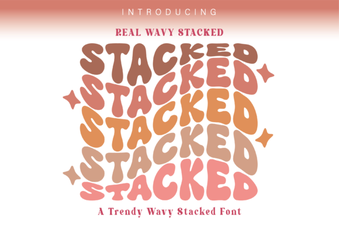 Wavy Font Styles for Creative Web Design
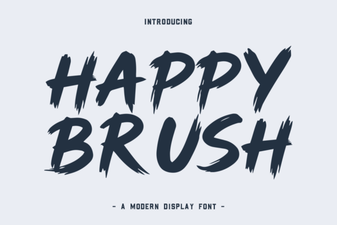 Happy Brush Font Ideas for Joyful Projects
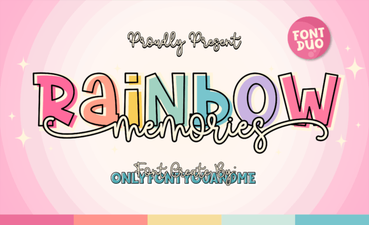 A Creative Typeface for Nostalgic Designs
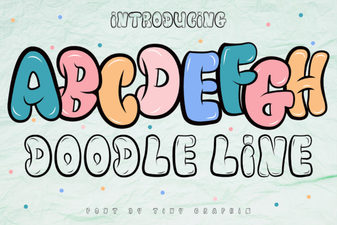 Doodle Line Font: Creative Typography for Your Projects
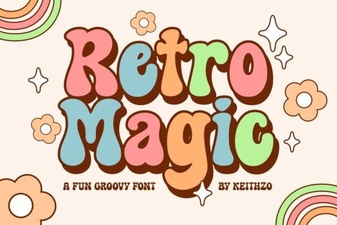 Retro Magic Fonts for Creative Design Projects
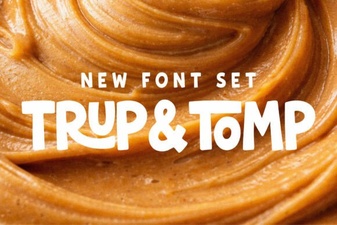 Trup & Tomp: Elegant Fonts for Modern Design