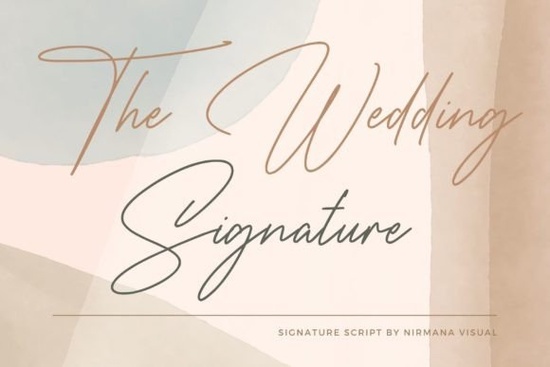
Finding the right typography for a romantic or formal project usually comes down to balancing readability with intricate details. When you need a neat, highly detailed script that feels personal, The Wedding Signature Font is a reliable choice for your design library. It offers a dazzling, hand-lettered look without sacrificing the clean structure needed for professional printing. Whether you are designing stationery or creating custom apparel, having a well-crafted script in your toolkit saves time and keeps your work looking polished.
What makes a script font work for elegant projects?
Handwritten styles naturally evoke a sense of intimacy and care. When a client requests a design that feels bespoke, a neatly crafted script delivers that personal touch without looking messy. Clients often struggle to articulate exactly what they want, but they know it when they see it. Providing a few mockups using this style can quickly secure their approval.
Script typefaces need to mimic natural handwriting while remaining legible at various sizes. A common issue with overly decorative fonts is that the letters bleed together when printed small. This particular typeface avoids that problem by keeping the baseline steady and the swashes controlled. The neat craftsmanship means you can use it for formal event stationery, like save-the-dates or menu cards, where clarity is just as important as the aesthetic. If you are pairing it with other styles, it blends smoothly with simple sans-serif choices, much like how you might pair a clean minimalist typeface with winter holiday typography for seasonal greeting cards.
How can print-on-demand sellers and crafters use this style?
Small business owners and hobbyists often need versatile assets that work across different mediums. For print-on-demand, this font is excellent for custom coffee mugs, tote bags, and personalized t-shirts. The detailed strokes hold up well on direct-to-garment printers and vinyl cutting machines. Sublimation printing also benefits from high-contrast scripts, as the fine lines translate beautifully onto coated ceramics and polyester fabrics.
When creating physical crafts, consider how the font interacts with your materials. For example, if you are cutting vinyl for a car decal, the smooth curves will weed easily. You might also explore other moods for different product lines, such as using darker, bolder script alternatives for edgy streetwear, or more playful, casual handwriting styles for children's apparel.
For paper crafters, this typeface shines on thick cardstock. It provides a sophisticated look for DIY gift tags and scrapbooking titles. If you are designing for a winter event, you could even mix it with frosty, seasonal typefaces to create a cohesive theme, or stick to classic romance with traditional bridal typography.
Which software features get the best results?
To get the most out of detailed script fonts, you need to use software that supports OpenType features. Programs like Adobe Illustrator, Photoshop, or Affinity Designer allow you to access alternate characters and swashes. Taking the time to learn these panel features will drastically reduce the amount of manual vector editing you have to do later.
- Enable Contextual Alternates: This setting automatically adjusts the letterforms so they connect more naturally, mimicking real handwriting.
- Use the Glyphs Panel: Browse through extra flourishes and tails to customize the beginning and end of your words.
- Adjust Kerning Manually: Even well-crafted fonts need slight spacing tweaks when scaled up for large signage or wall decals.
If you are using Cricut Design Space or Silhouette Studio, make sure to ungroup the text and weld the overlapping paths before sending it to your cutting mat. This prevents the machine from cutting through the connecting lines and ruining the final craft.
What should you check before sending your design to print?
Before you finalize your artwork, run through a quick quality control process to avoid costly misprints or wasted materials.
- Check the spelling: Script fonts can make typos hard to spot. Always double-check names, dates, and specific event details.
- Test the scale: Print a test page at 100% scale to ensure the thin strokes aren't too fragile for your specific printer.
- Verify the contrast: Place your dark text on the exact background color or material you plan to use to guarantee readability.
- Outline your text: Always convert your text to outlines or paths before sending files to a commercial printer. This ensures the font formatting stays intact even if they do not have the file installed on their system.
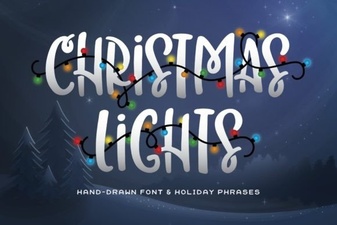 Illuminating Your Christmas Font Design Projects
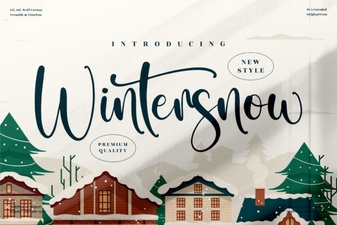 Wintersnow Font: Elegant Design for Modern Projects
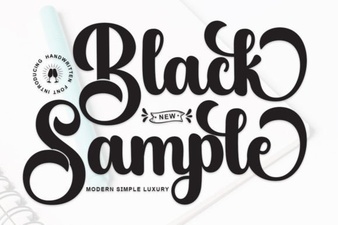 Showcase Design Ideas with a Black Sample Font
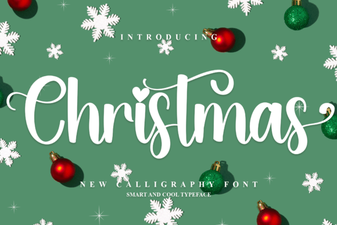 Choose a Festive Font for Your Holiday Design
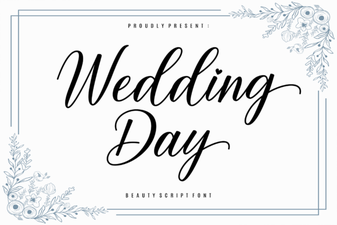 Wedding Fonts to Make Your Day Unforgettable
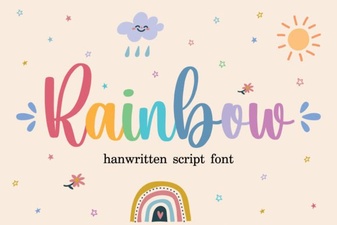 Rainbow Fonts: Adding Colorful Creativity to Design