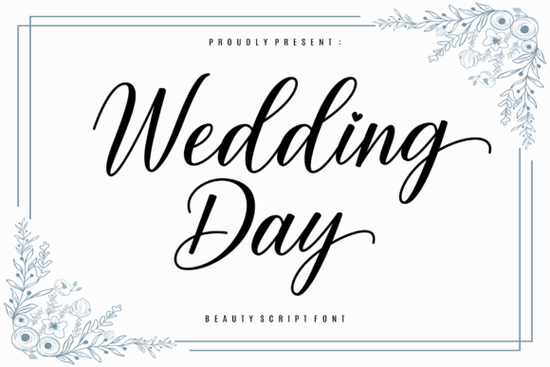
Finding the right typography for romantic projects can take hours of scrolling. The Wedding Day Font is a delicate script typeface built specifically for sentimental and elegant designs. Whether you are designing bridal shower invitations, crafting heartfelt letters, or setting up a romantic brand identity, this typeface offers graceful strokes that feel personal and sincere. It brings a tender touch to ordinary words, making it a reliable choice for creative hobbyists and professional designers alike. For more detailed specifications and licensing info, you can also view the official Wedding Day Font listing.
How does this script font work for wedding invitations?
When designing stationery, readability and emotion need to balance perfectly. This typeface features flowing, tender letterforms that look beautiful on thick cardstock, vellum, or acrylic signage. Because it is PUA encoded, you can easily swap out standard letters for intricate swashes and alternate characters. This means you can customize the bride and groom's names so the connecting strokes look completely natural and hand-drawn.
If you plan to use foil stamping or letterpress techniques, the delicate lines will translate beautifully, provided you use a high-quality vector file. For crafters making physical wedding favors, this typography pairs wonderfully with wax seals and ribbon wraps. If you are working on a broader holiday or seasonal project alongside your wedding suite, you might also explore a festive option like this cheerful holiday script to match your winter collection.
Can I use it for print-on-demand and small business branding?
Yes, but context and application matter. For print-on-demand sellers creating romantic apparel, ceramic mugs, or canvas tote bags, the delicate lines of this font print best when scaled appropriately. Avoid making the text too small, as the thin strokes might get lost or bleed on fabric. When designing for curved surfaces like mugs, keep the text relatively straight or use a slight arc, avoiding overly long swashes that might distort.
For small businesses, it works wonderfully as a primary logo mark or an accent font for product packaging and thank-you cards. If your brand needs a more relaxed, everyday feel for secondary text, you could pair it with a simple handwriting style to keep the layout grounded and readable. Alternatively, if you are designing for a playful children's boutique or a vibrant craft brand, a colorful and bouncy alternative might suit your specific niche better.
What software do I need to access the swashes and alternates?
You do not need expensive design software to use the extra glyphs. Since the font is PUA (Private Use Area) encoded, all the beautiful swashes and ligatures are accessible even in basic, free programs.
- Adobe Illustrator & Photoshop: Use the Glyphs panel to click and insert alternate characters directly into your text box.
- Cricut Design Space & Silhouette Studio: Open the Character Map on Windows or Font Book on Mac, copy the specific swash you want, and paste it directly into your cutting canvas.
- Word & Canva: While native support varies, you can usually access basic alternates by copying from your system's character map and pasting them into your design.
For a more formal, sophisticated signature look on your business documents or contracts, you might also want to test out this elegant signature style alongside your main typography. And if you want to see the full collection of romantic scripts, browsing through these wedding-themed typefaces can give you plenty of layout inspiration for your next project.
What are the best practices for formatting script typography?
To make sure your designs look professional, follow a few basic typographic rules. Never use all capital letters with a script font, as the connecting strokes will break and look messy. Keep the text in sentence case or title case. Also, avoid adding extra letter spacing. Script fonts are designed with specific kerning so the letters flow into one another naturally.
Quick Checklist for Your Next Design
- Check your contrast: Ensure the delicate strokes stand out clearly against your background color or pattern.
- Test print first: Always print a physical sample on your chosen paper or fabric to check the thinnest lines.
- Mind the tracking: Keep the letters touching exactly as designed without forcing extra space between them.
- Limit your usage: Use this typeface for short phrases, names, or headers, and pair it with a clean sans-serif for the smaller body text.
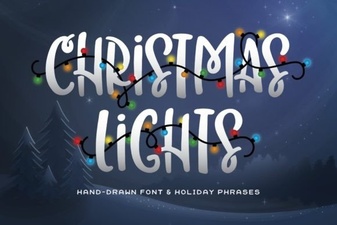 Illuminating Your Christmas Font Design Projects
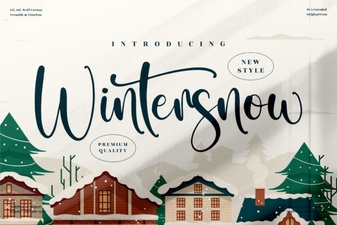 Wintersnow Font: Elegant Design for Modern Projects
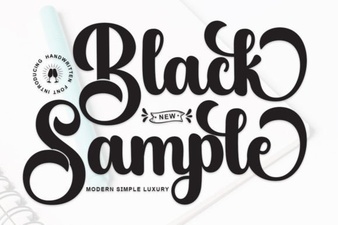 Showcase Design Ideas with a Black Sample Font
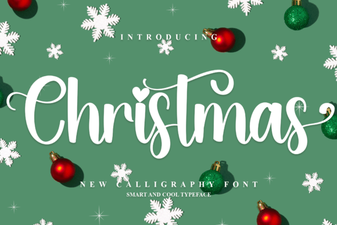 Choose a Festive Font for Your Holiday Design
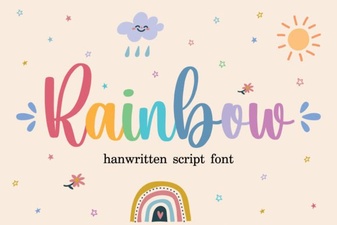 Rainbow Fonts: Adding Colorful Creativity to Design
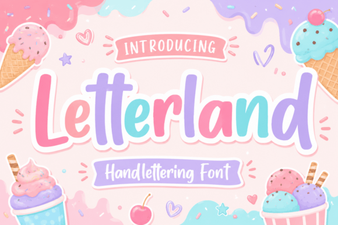 Creative Letterland Font Projects & Ideas