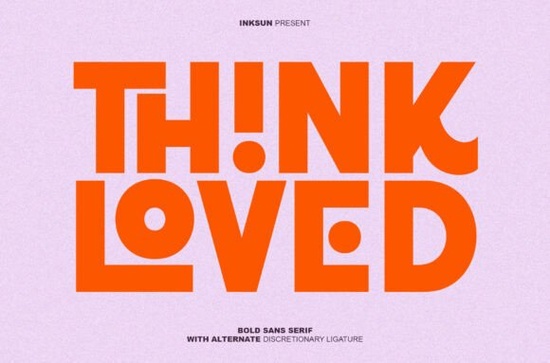
Finding the right heavy typeface for a modern branding project can be frustrating when most options look too rigid. The Think Loved Font solves this by combining an ultra-heavy sans serif structure with playful geometric details. Designed for high-impact visuals, this typeface brings a fresh, graphic quality to headlines without feeling overly complicated. You can preview and download Think Loved directly from the creator's marketplace portfolio to test it on your current projects. Whether you are designing apparel graphics or setting up a bold website header, the minimalist shapes and unique circular cutouts give your text immediate visual weight.
What makes this typography stand out for streetwear?
Streetwear and urban apparel rely heavily on striking, readable graphics that grab attention from a distance. When designing merchandise, you need letters that hold their own on dark fabrics and busy backgrounds. This specific bold sans serif delivers that presence through its thick strokes and interlocking characters. If you are putting together a new clothing line and need more apparel-focused options, exploring other streetwear and hoodie typography styles can give you a broader range of heavy weights to test on your mockups. The circular cutouts in this font add a subtle modern twist, keeping the heavy letterforms from looking like standard block text.
How do the alternate ligatures change your layout?
Alternate discretionary ligatures allow specific letter combinations to connect or overlap in unique ways. Instead of standard spacing, these interlocking characters turn simple words into custom logo-like marks. This is incredibly useful for creating short, punchy brand names or campaign slogans. When you browse the full collection of modern sans serif options, you will notice that very few include this level of built-in graphic detailing. By simply turning on the ligature feature in your design software, you can transform a plain text layer into a striking visual element without needing to manually adjust vector paths.
Is this typeface suitable for print-on-demand and crafting?
Print-on-demand sellers and crafters need versatile files that scale well across different mediums, from tiny sticker prints to large canvas tote bags. Because of its ultra-heavy weight, this font remains highly legible even when scaled down, provided you avoid using it for long paragraphs. It works best for short phrases, product titles, and main graphics. If your project requires a softer, more nostalgic vibe to balance out the heavy geometry, pairing it with a clean retro-inspired sans serif for the subtext can create a nice visual hierarchy. Alternatively, for projects that need a more elegant contrast, combining it with a flowing script or delicate display typeface helps soften the overall design.
Which software works best with discretionary ligatures?
To actually see and use the special interlocking characters and circular cutouts, you need design software that supports OpenType features. Programs like Adobe Illustrator, Adobe InDesign, and Affinity Designer handle these alternate glyphs perfectly. You can access them through the Glyphs panel or by enabling discretionary ligatures in the character settings. If you are using Canva or basic text editors, you will likely only see the standard character set. For those working in Cricut Design Space or Silhouette Studio for physical crafting, it is best to type out your text in a professional vector program first, convert the text to outlines, and then import the final SVG file.
Next steps for using heavy geometric fonts
Before finalizing your design, run through this quick checklist to ensure your heavy typography looks professional and prints cleanly:
- Check the kerning: Even with automatic ligatures, manually review the spacing between capital letters to avoid awkward gaps.
- Test on actual mockups: View your design on a realistic t-shirt or poster mockup to see how the thick strokes hold up at a physical scale.
- Limit your usage: Restrict this ultra-heavy font to headlines, logos, and short phrases. Use a lighter, simpler typeface for body text to maintain readability.
- Outline before exporting: Always convert your text to vector outlines before sending the file to a commercial printer or cutting machine to prevent missing font errors.
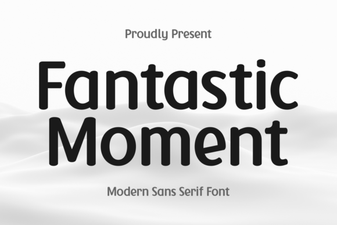 Fantastic Moment Font: Creative Design Styles & Ideas
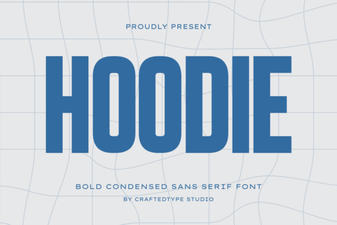 Designing Hoodie Fonts for Creative Streetwear
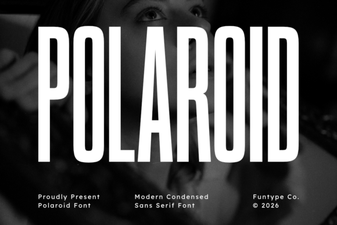 Polaroid Fonts for Creative Retro Projects
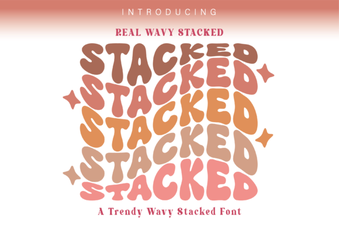 Wavy Font Styles for Creative Web Design
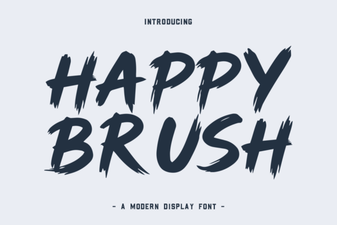 Happy Brush Font Ideas for Joyful Projects
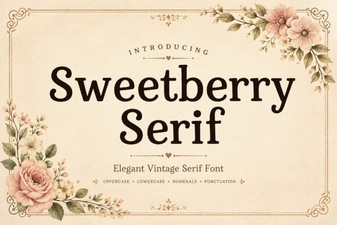 Sweetberry Serif Font: Elegant Design Projects & Tips